In this project by RNDR Studio, Ophelia brings a woodland landscape to the bedroom.
The wallpaper covers the wall behind the bed, creating an enveloping backdrop. Its composition of tree trunks and foliage adds a sense of depth, giving the sleeping area a subtle decorative presence.
The wallpaper design complements the furnishings and textiles, helping to create an intimate, restful atmosphere.
Ophelia gives the room its distinctive character: an expressive surface that brings a touch of nature into the home and sits harmoniously within the overall design.
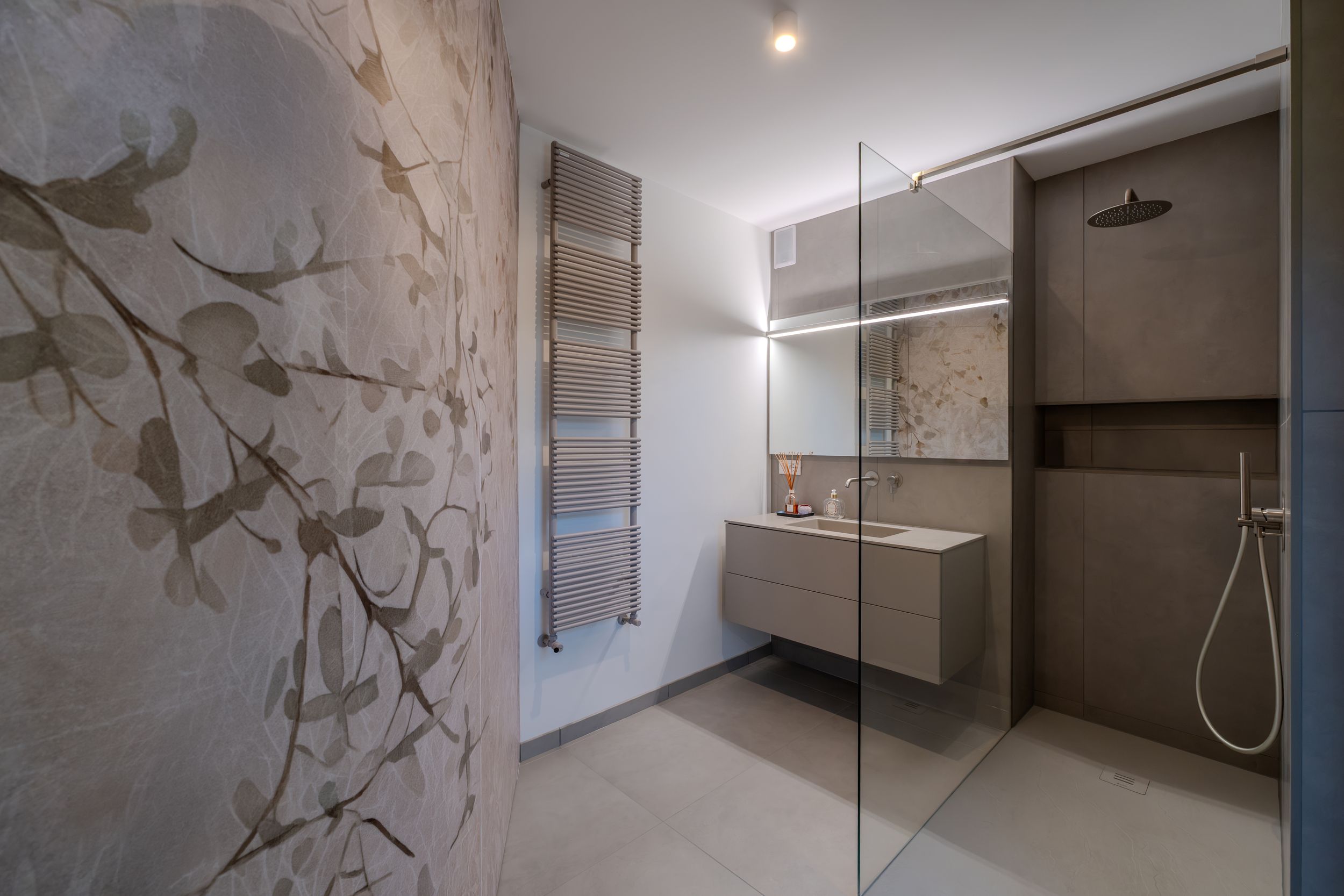
In the bathroom, Demetra continues the botanical theme with a composition of branches and leaves. The pattern gives the wall a distinctive character, complementing the suspended vanity unit, the large mirror and the clean lines of the shower enclosure. Ophelia and Demetra bring a shared natural inspiration to two rooms, each with its own identity.
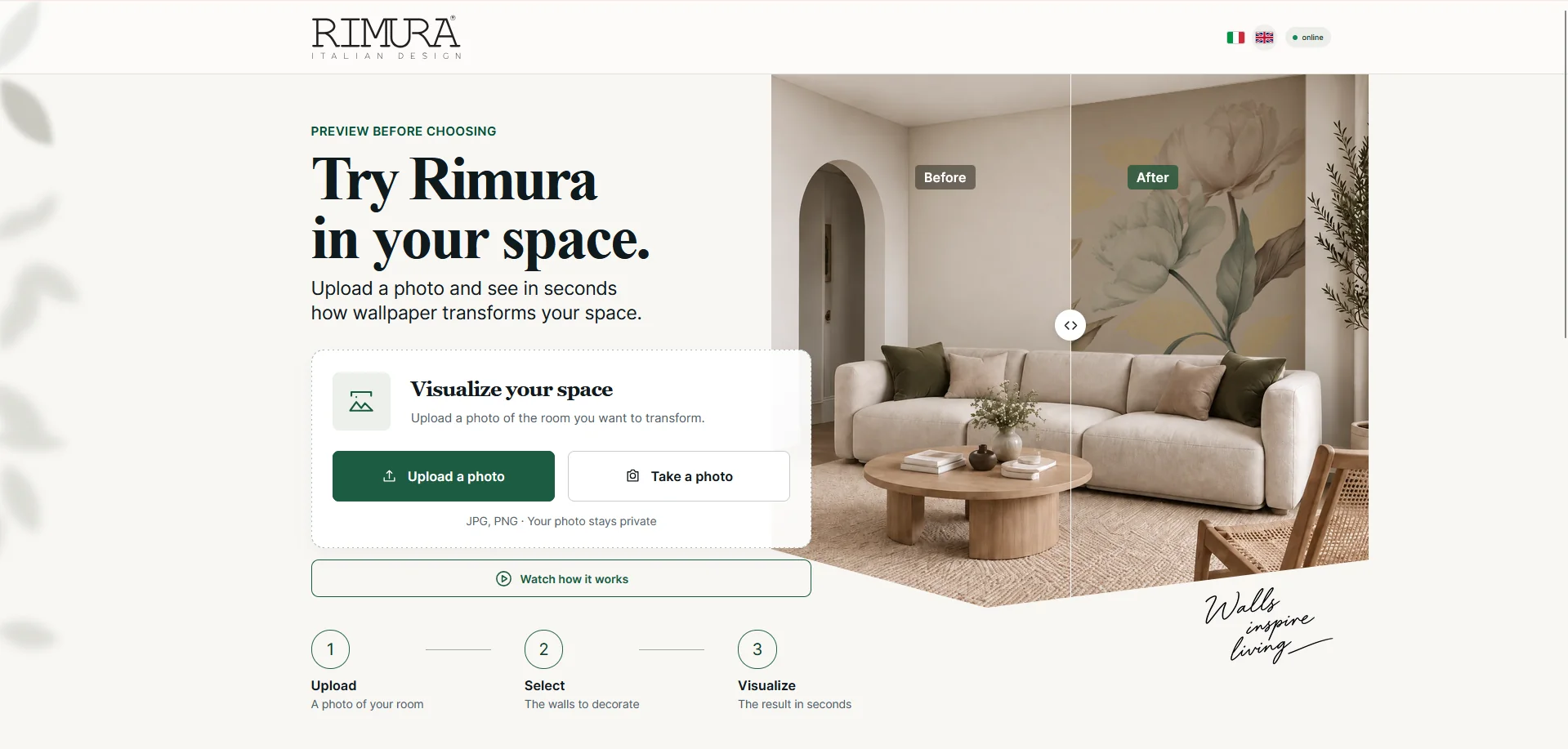
The new Rimura simulator is now live. You can now visualize our wallpapers directly in your room, starting from your own photo or choosing one of the available Rimura rooms.
The best wallpaper simulator by Rimura: an advanced, realistic and intuitive experience that lets you see the result in your own space before installation.
A new way to choose wallpaper
The new Rimura simulator was developed to make choosing wallpaper easier, more realistic and more engaging. The system recognizes the room, lets you select one or more walls and applies Rimura designs.
You can explore the collections, search for a design by name or code, try the available variations and compare different options directly in your space in just a few seconds.
How the new Rimura simulator works
1. Upload
Upload a photo of your room, take one with your device or choose one of the available Rimura rooms.
2. Select
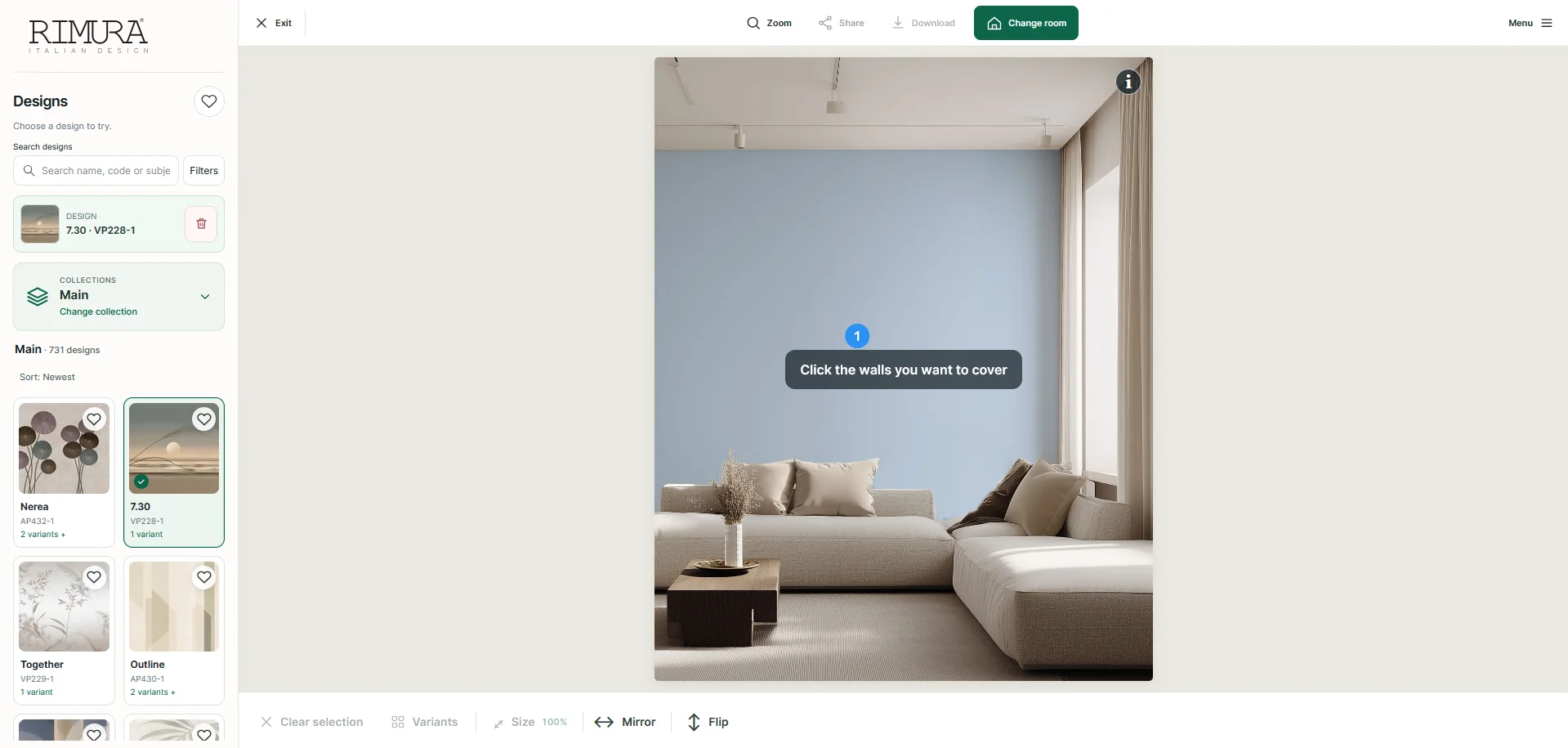
Select one or more walls to cover from those detected by the simulator.
3. Visualize
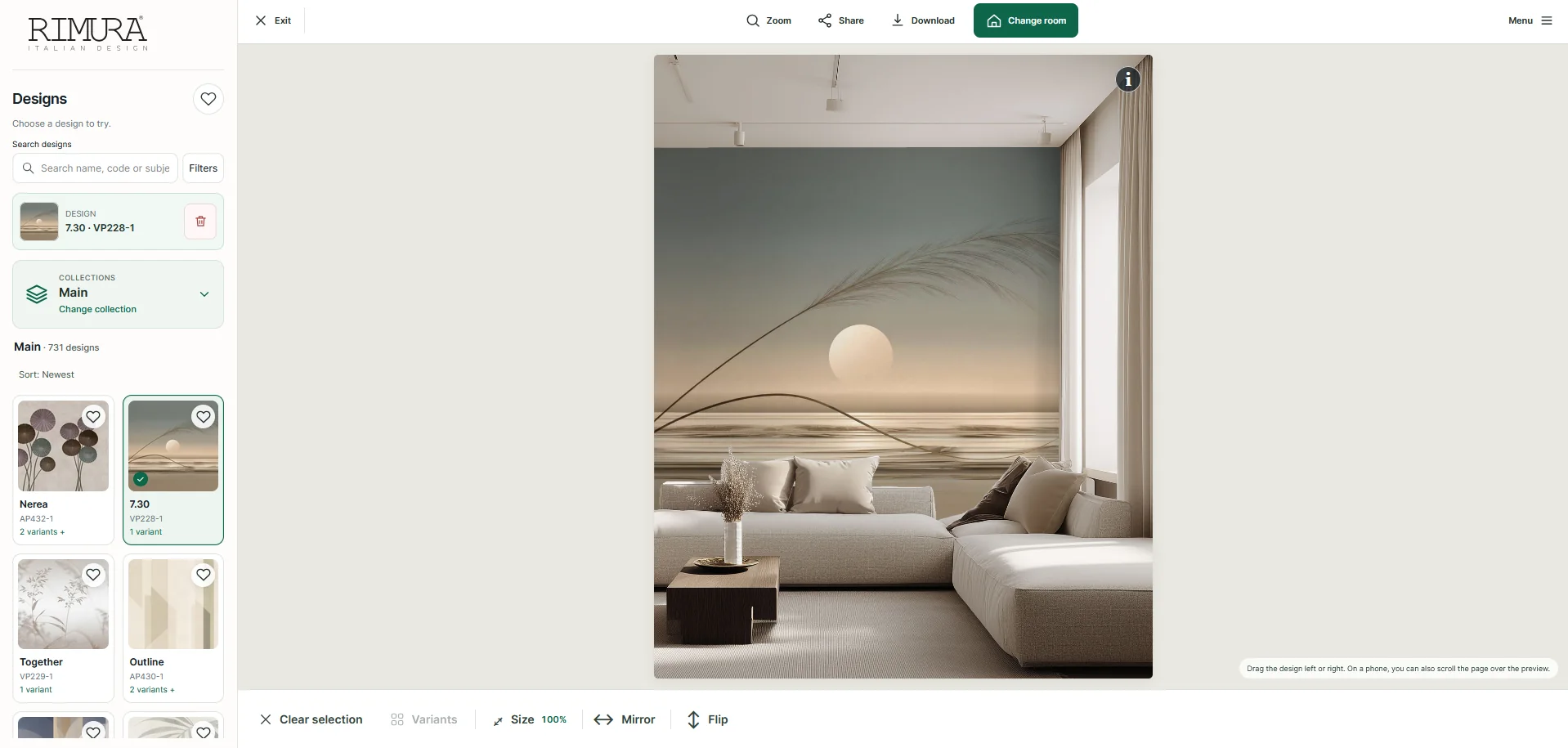
View the result: choose a design and variation, compare the effect in your room and save the final preview.
The new interface makes each step clearer and faster: from selecting walls and finding designs to viewing the final result.
More realism, more freedom to choose
Seeing wallpaper in your own room before installation lets you compare different options, assess their balance with the furniture and the proportions of the space, and make a more informed choice.

 ▾

 In preparation
 In preparation
 In preparation
 In preparation